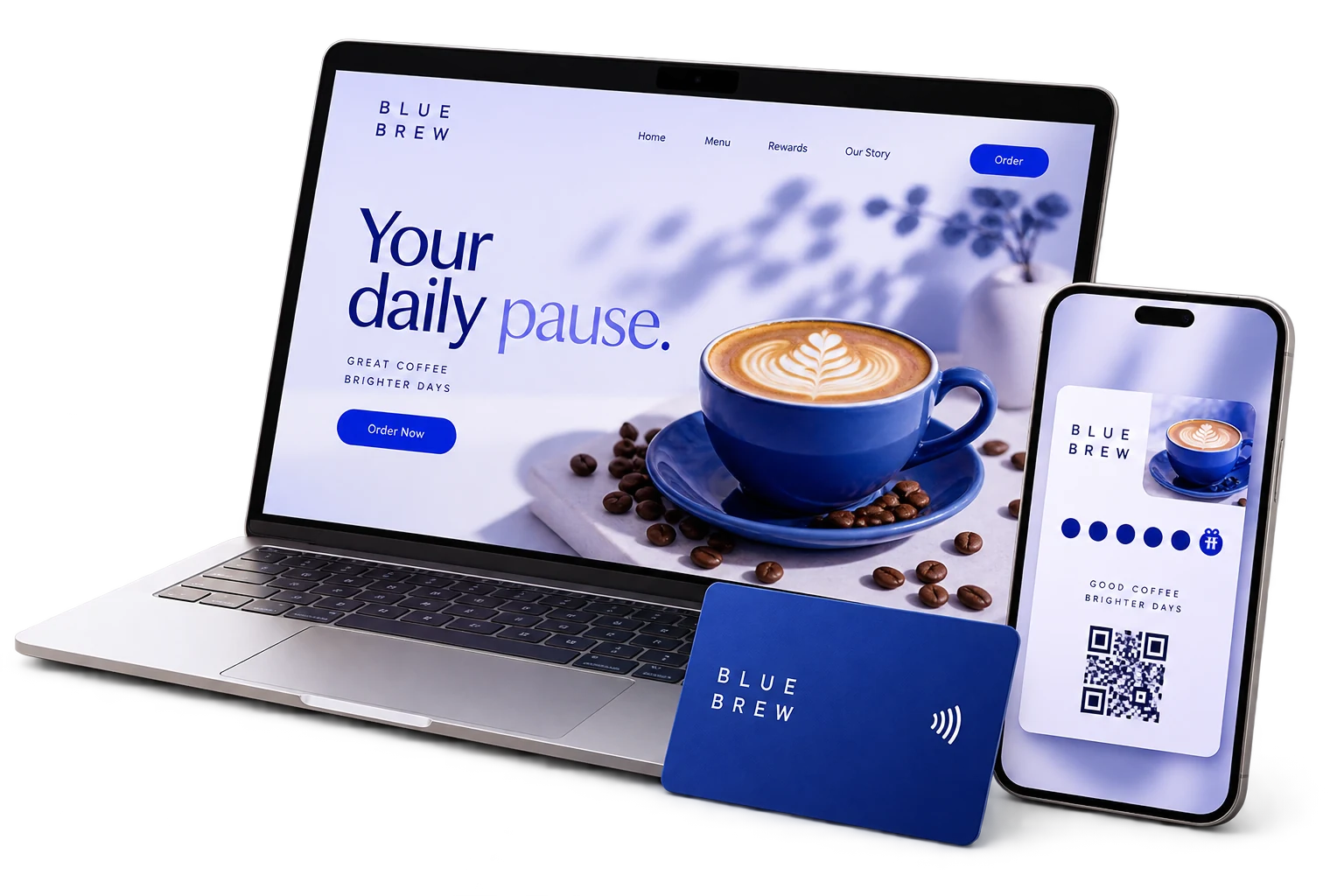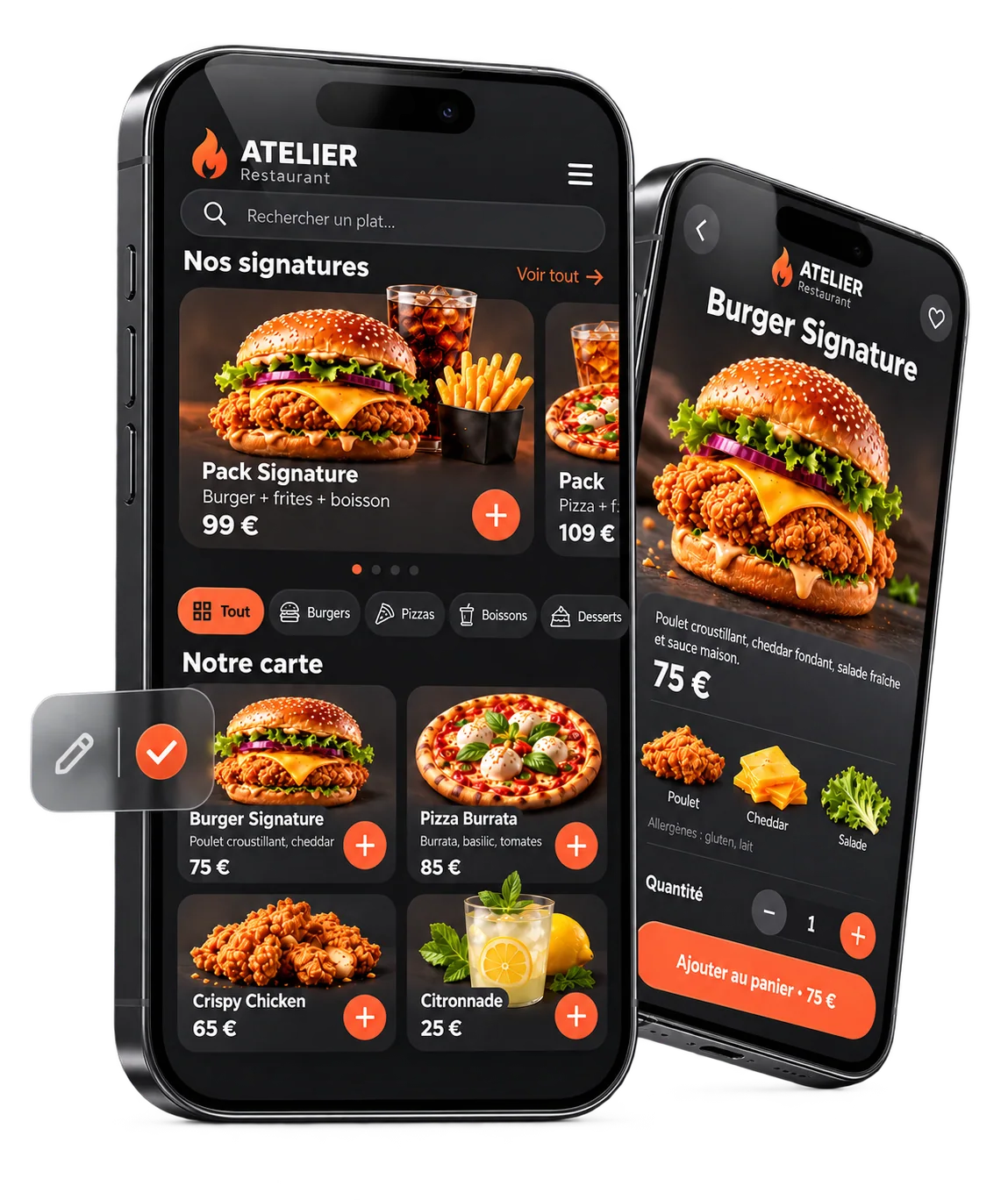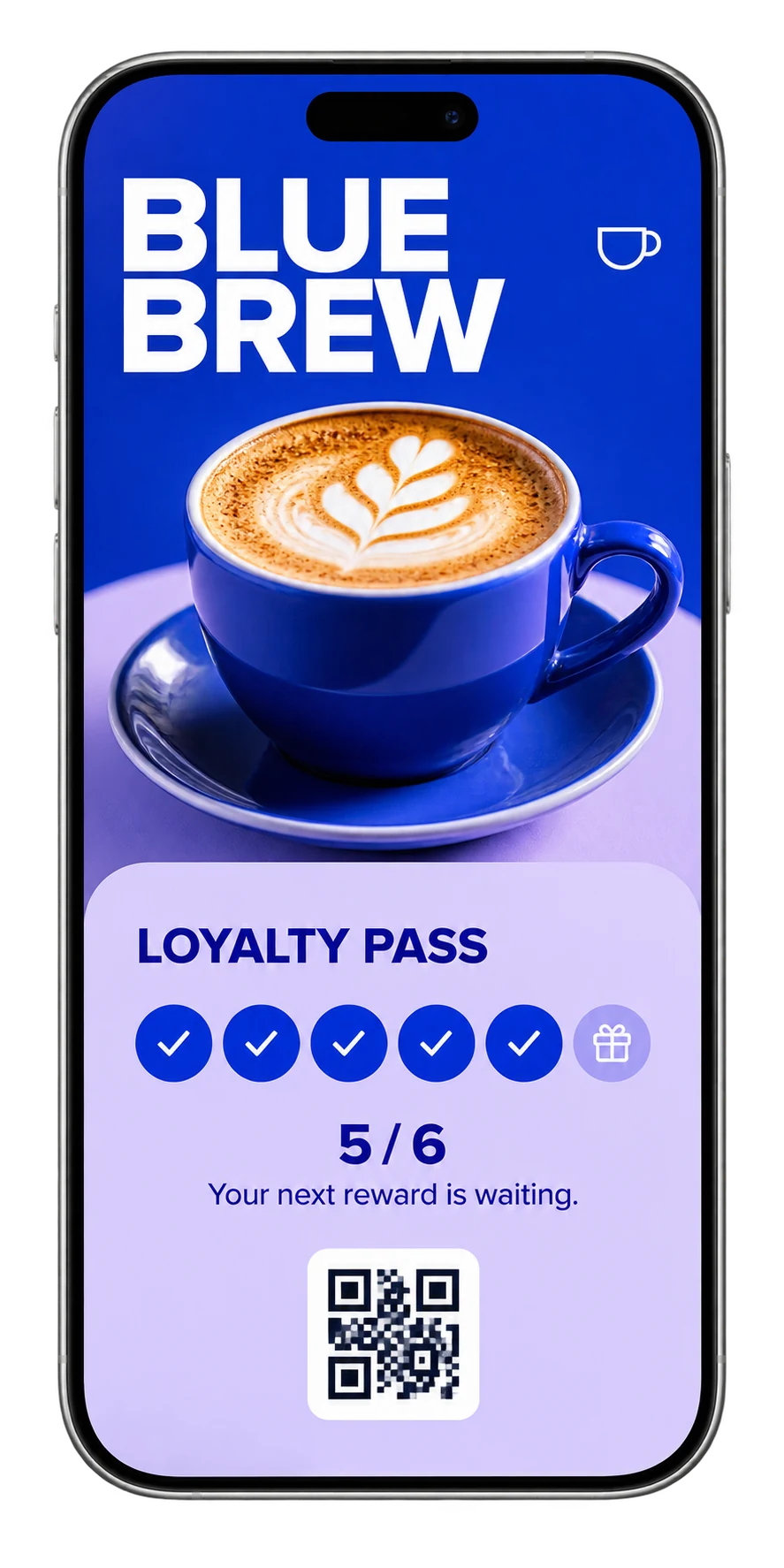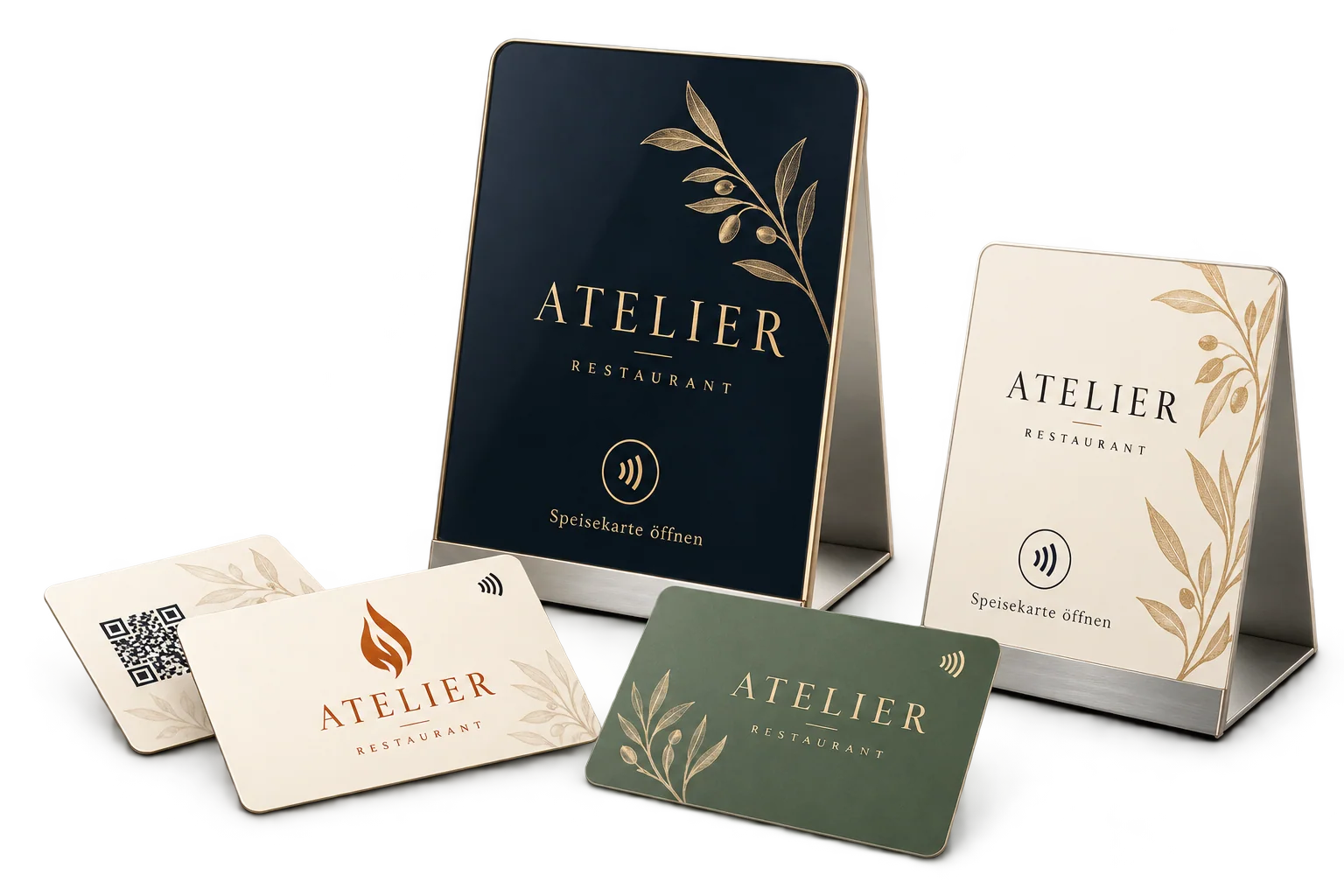
Your card. Your design.
Logo, colours and content are coordinated across both sides. We plan readability, the QR code and NFC access together so the card looks considered and works in daily use. Material, chip selection and finish are specified in the actual offer.
Set up the customer journey
Choose the destination, design the card or stand around your brand and test both NFC and QR on different devices. Put the card where the information is useful. Your team should be able to explain in one sentence what customers will see after tapping.
NFC card or Wallet loyalty card?
A physical NFC card helps someone open a link. A Wallet loyalty card is saved on the customer’s own phone. They serve different purposes. In the simple GuestGravity loyalty workflow, staff scan the customer card’s QR code; NFC stamping requires suitable hardware and a separate integration.
Common questions
Do customers need an NFC app?
A compatible phone can open a web link without a GuestGravity app. NFC support and device settings vary; the QR code provides another route.
Can one card keep opening an updated menu?
Yes, when the card points to the stable link for your digital menu. You update the content at that destination rather than replacing the printed QR code for each price change.
Does an NFC review card guarantee better ratings?
No. It makes the review form easier to reach. Customers decide whether to leave a review and what to say.
How much does an NFC card cost?
Material, design, quantity and setup determine the scope. Published subscriptions are shown on the homepage; physical cards and custom work need to be specified in the relevant offer.
Sources & context
Product workflows: GuestGravity. Platform information: the primary sources below. Editorial team: GuestGravity, 26 October 2026.