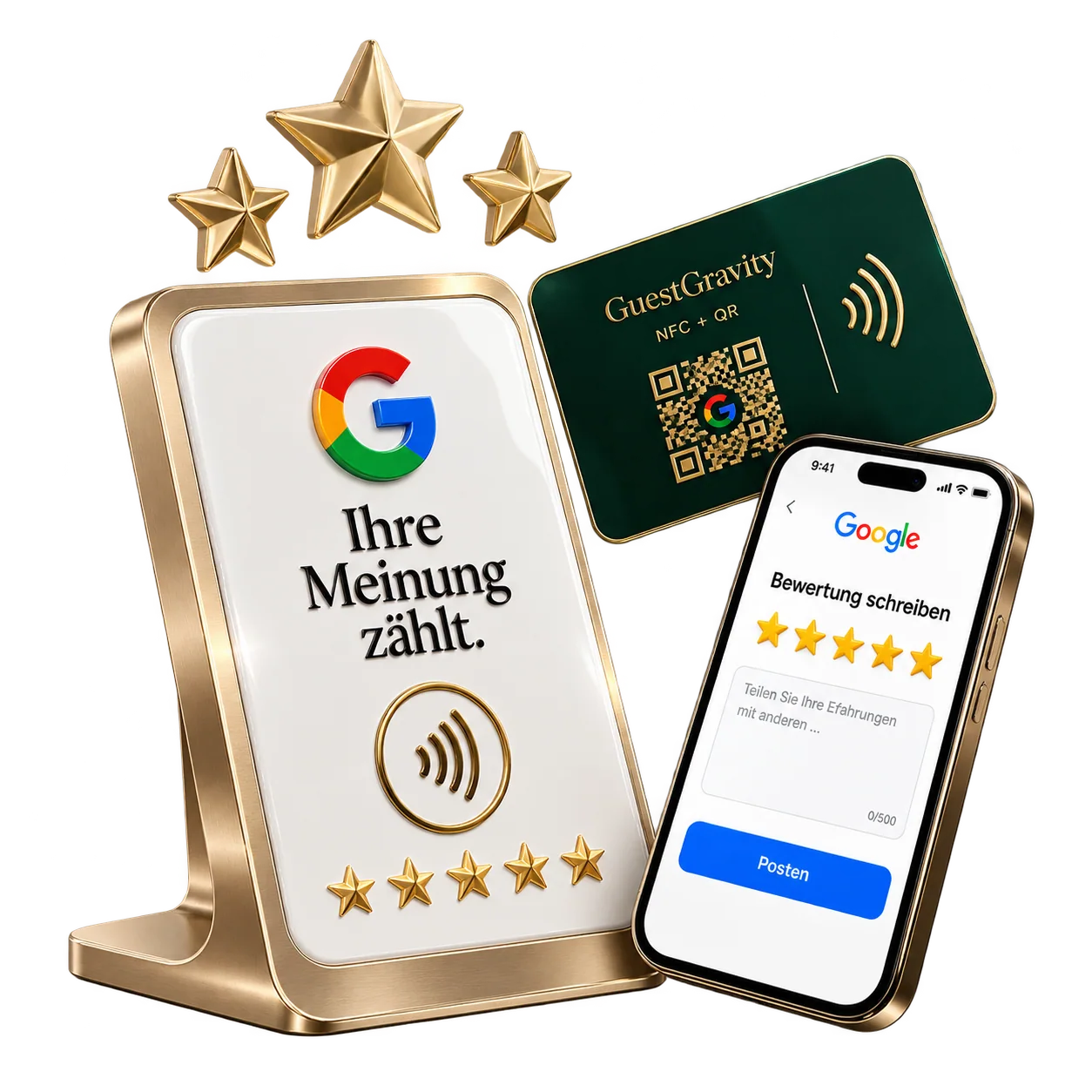
Prepare the correct destination
Use the review link for your own Google Business Profile. Open it on a phone and check the business name. If you have multiple locations, link to the relevant branch. The same verified destination can sit behind both QR and NFC.
Ask naturally after a real visit
Invite an honest response after the customer has experienced your business. For example: “If you would like to share your experience, this QR code opens our Google profile.” Train staff to use the same neutral process. Feedback can be critical as well as positive.
- Do not offer a reward or discount in exchange for a review.
- Do not screen customers and send only positive feedback to Google.
- Keep purchase-based loyalty rewards separate from review requests.
Look beyond the review count
Observe the trend alongside visits and feedback in the business. A rising count alone does not explain whether you are reaching suitable customers. Respond constructively to specific experiences and use repeated feedback to improve service.
Common questions
How can I get more Google reviews?
After a real experience, make the correct profile easy to reach and invite an honest response. NFC and QR can simplify access, but no fixed number of reviews is guaranteed.
Can I give a discount for a Google review?
Google prohibits incentives for reviews, including discounts or free services in exchange for a review. Keep loyalty rewards separate from review requests.
Is an NFC review card better than a QR code?
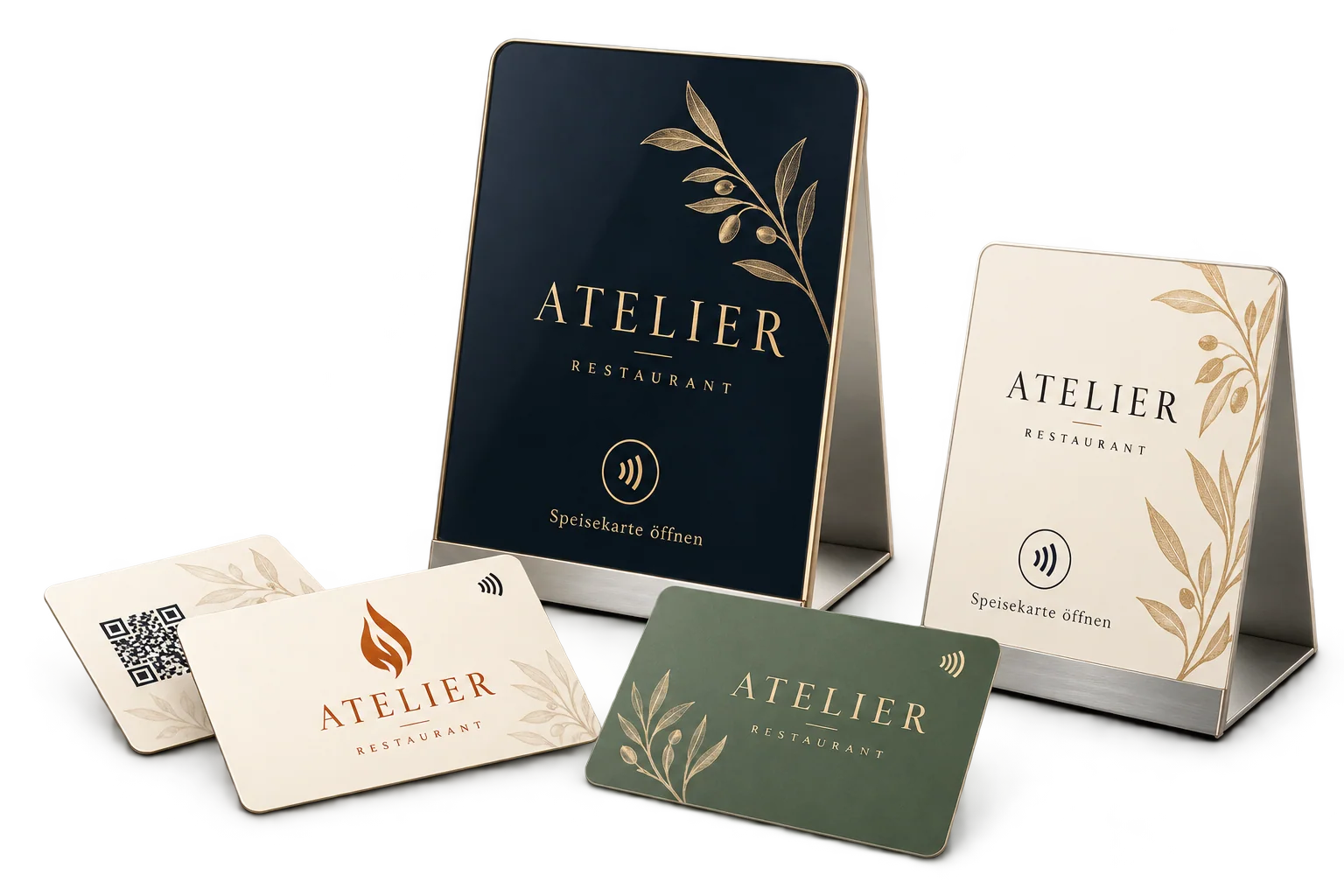
Both can open the same link. NFC lets compatible phones tap, while QR uses a camera scan. A combined stand gives customers both routes.
Can GuestGravity write customer reviews for me?
No. Reviews should reflect the actual experience of the individual customer. A card makes the destination easier to reach; it does not replace that person’s feedback.
Sources & context
Product workflows: GuestGravity. Platform information: the primary sources below. Editorial team: GuestGravity, 26 October 2026.