Skip to content
GuestGravity.
ServicesHow it worksOffers
Explore
SolutionsIndustriesGuides
DEEN
Client area
  1. Home
  2. Solutions
  3. Table ordering

Guests choose. Your team confirms.

With a GuestGravity NFC menu, guests open the menu at their table, explore clear food pictures and send their selection to your service team. Staff receive a table request with the selected items and can confirm the order personally. Guests can start choosing while your team is still helping another table.

Plan my table service with GuestGravity
GuestGravity digital menu design concept
GuestGravity design concept

On this page

  1. From a tap to a selection
  2. Keep your team in the loop
  3. Replace uncertainty with a clear next step
  4. Common questions
  5. Related next steps

Your business. Their next visit.

GuestGravity connects customer growth and retention around your working day.

Talk to GuestGravity

From a tap to a selection

The table link connects the menu to the right table. Guests explore dishes, select quantities and add to their request. A visible status helps them understand that the request has arrived.

Keep your team in the loop

The service view shows incoming requests and their status. Notifications draw attention to waiting tables; a team member picks up the request and confirms the selection with the guest. Devices, permissions and alert settings are checked during setup.

Replace uncertainty with a clear next step

A table request supports personal service. It gives staff the table, selection and questions to resolve. Availability, changes and special requests can be discussed before the team confirms the order.

Common questions

Is sending a selection a confirmed order?

The request reaches your team. Confirmation follows your service workflow so availability and guest wishes can be checked.

How do staff know which table sent it?

The request carries the table attached to the configured NFC or QR link.

Can staff receive a notification?

Service notifications are supported. Delivery and alerts depend on configured devices, permissions and connectivity.

Can GuestGravity demonstrate the workflow?

Yes. Discuss your menu, tables and staff devices, then test a complete customer-to-team journey.

Keep exploring.

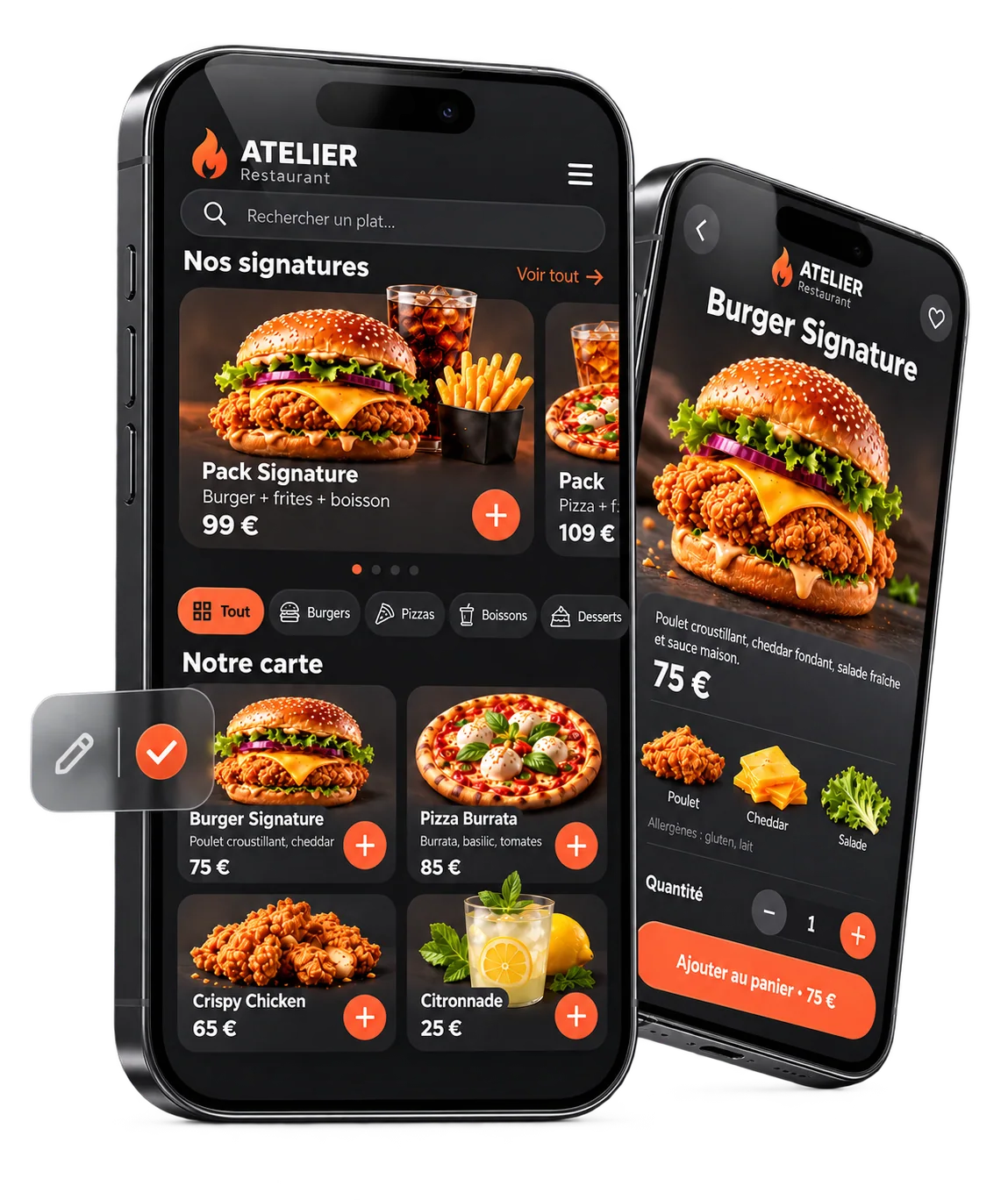
ATELIER digital restaurant menu displayed on two phones

Digital restaurant menus

Show your restaurant menu on a phone with QR codes, NFC and a link. Manage dishes, photos, prices and availability in your GuestGravity workspace.

Explore this topic
Phone product photography from GuestGravity product artwork

AI product photography

Turn a phone photo into a studio-style product image. Explore GuestGravity image optimisation for digital menus, websites and social media.

Explore this topic
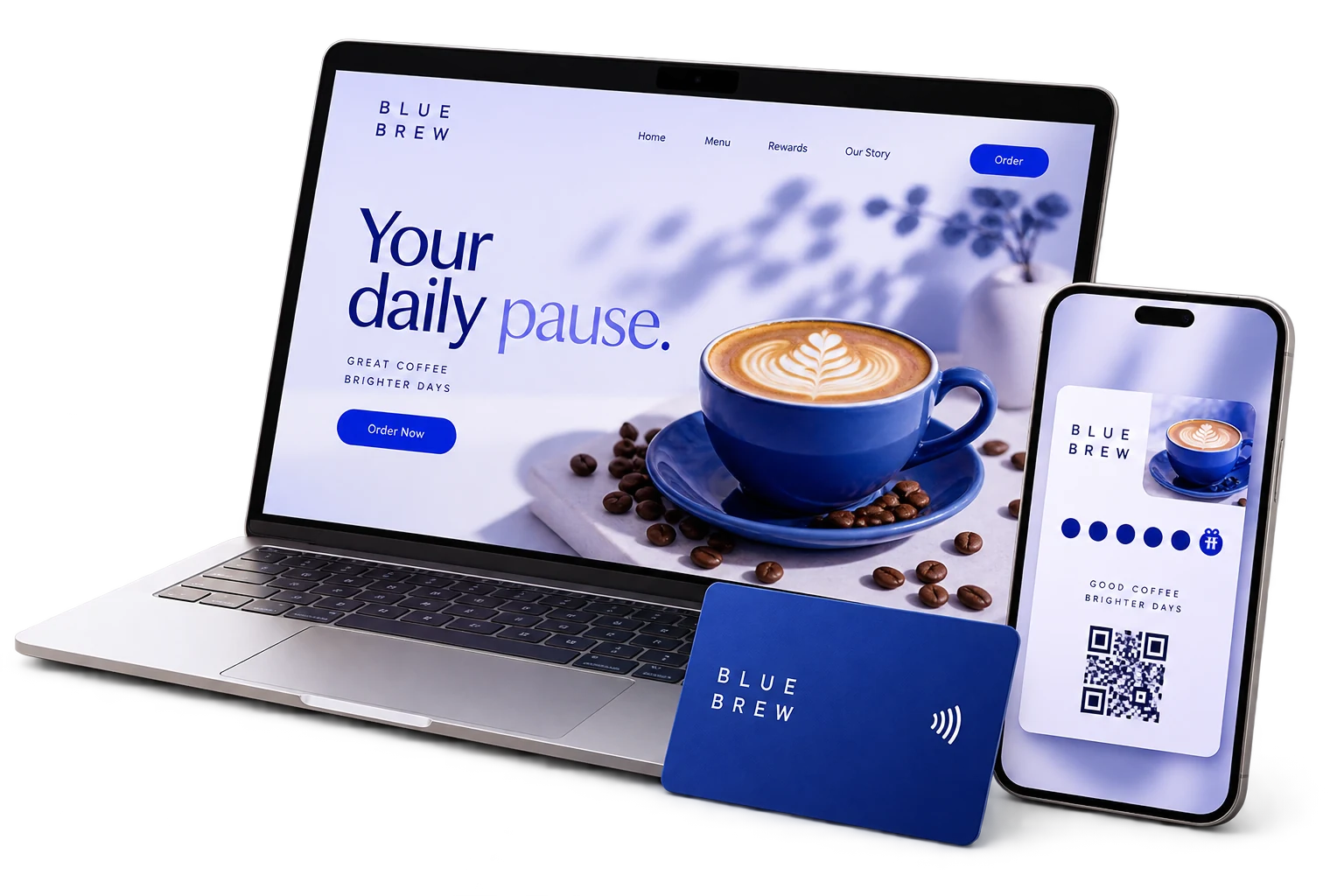
BLUE BREW café website, menu and Wallet card design concept

Restaurants & cafés

Connect your restaurant menu, NFC cards and Wallet loyalty programme. Plan a practical customer journey your café or restaurant team can use.

Explore this topic

Win more customers. Give them a reason to return.

Start with what you want to improve. GuestGravity connects marketing, digital service and customer loyalty around your business.

3D illustration of a local shop welcoming new and returning customers.

Attract new customers

Build interest with ads, content and product images.

Bring customers back

Create reasons to return with loyalty and reminders.

Make the visit easier

Connect your menu, service and useful customer links.

Give your businessthe presence it deserves.

Show us your business. We’ll show you what it can become online.

GuestGravity.

From first visits to return visits. Digital tools and marketing for local businesses.

DeutschEnglish

Our solutions

Digital loyalty cardsDigital restaurant menusNFC cardsAI product photographySocial media & adsVideo & motion design

Explore

SolutionsIndustriesGuidesOffersQuestions
© 2026 GuestGravity
ImpressumPrivacy (DE)Terms (DE)Cookie settings
Back to top
GuestGravity.